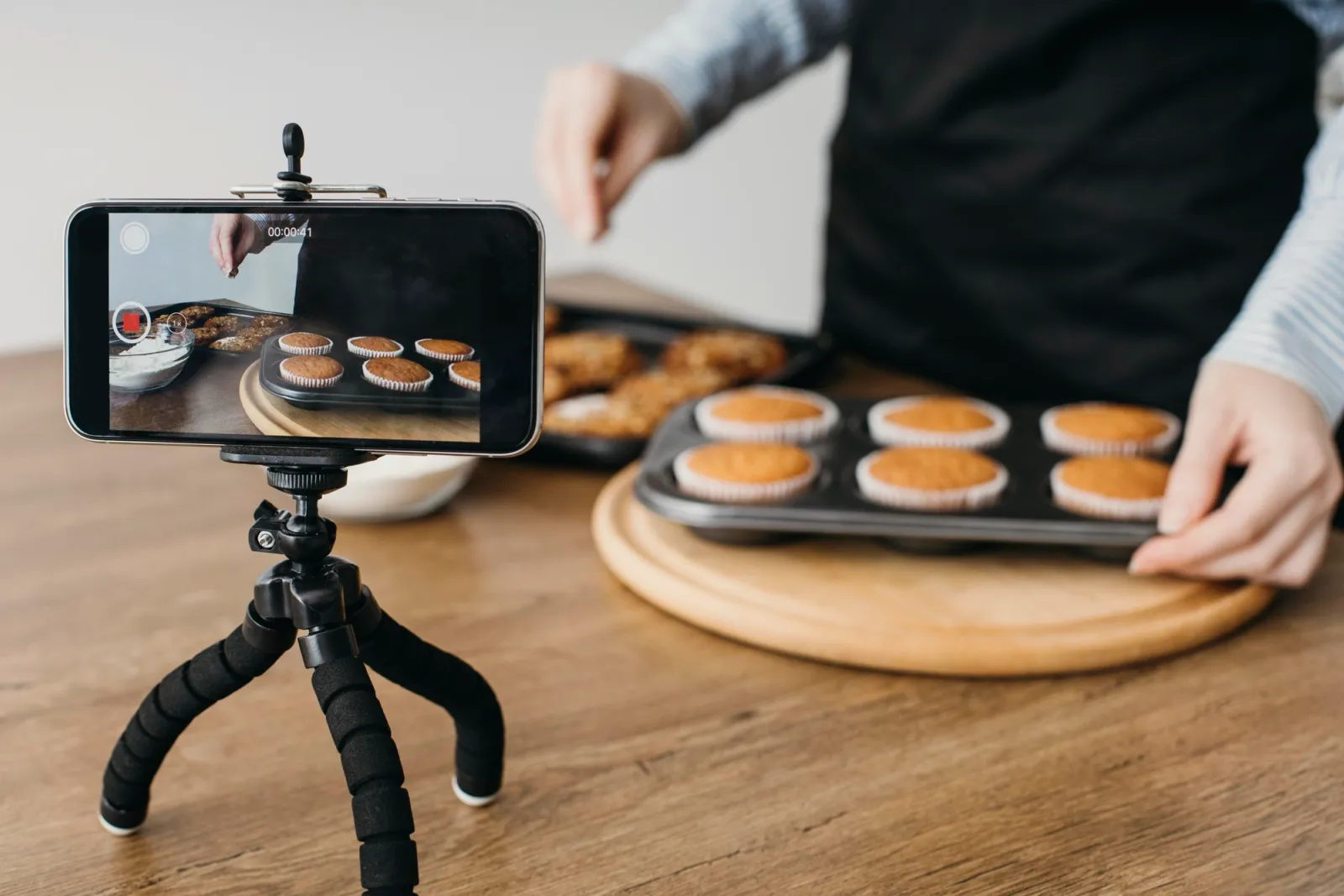
The phone in your pocket is enough to film short-form video that wins. Omdia counted 29 billion videos on YouTube in January 2026, with Shorts over 90% of new uploads, and most of that video was filmed on phones, not cameras.
The platforms rank retention, not production. A clear subject in decent light with clean sound holds viewers, and an expensive camera pointed at a murky subject does not. So this is the whole guide: light, framing, audio, three settings, and the habits that make filming fast enough to actually happen.
Light: stand near a window
Daylight through a window is better than any light you would buy, and it is free. Face the window so it lights your face or your product. With the window behind you, the phone exposes for the bright glass and turns the subject into a silhouette. Overhead shop lighting puts shadows under eyes and makes food look grey, and one step toward the window usually fixes both.
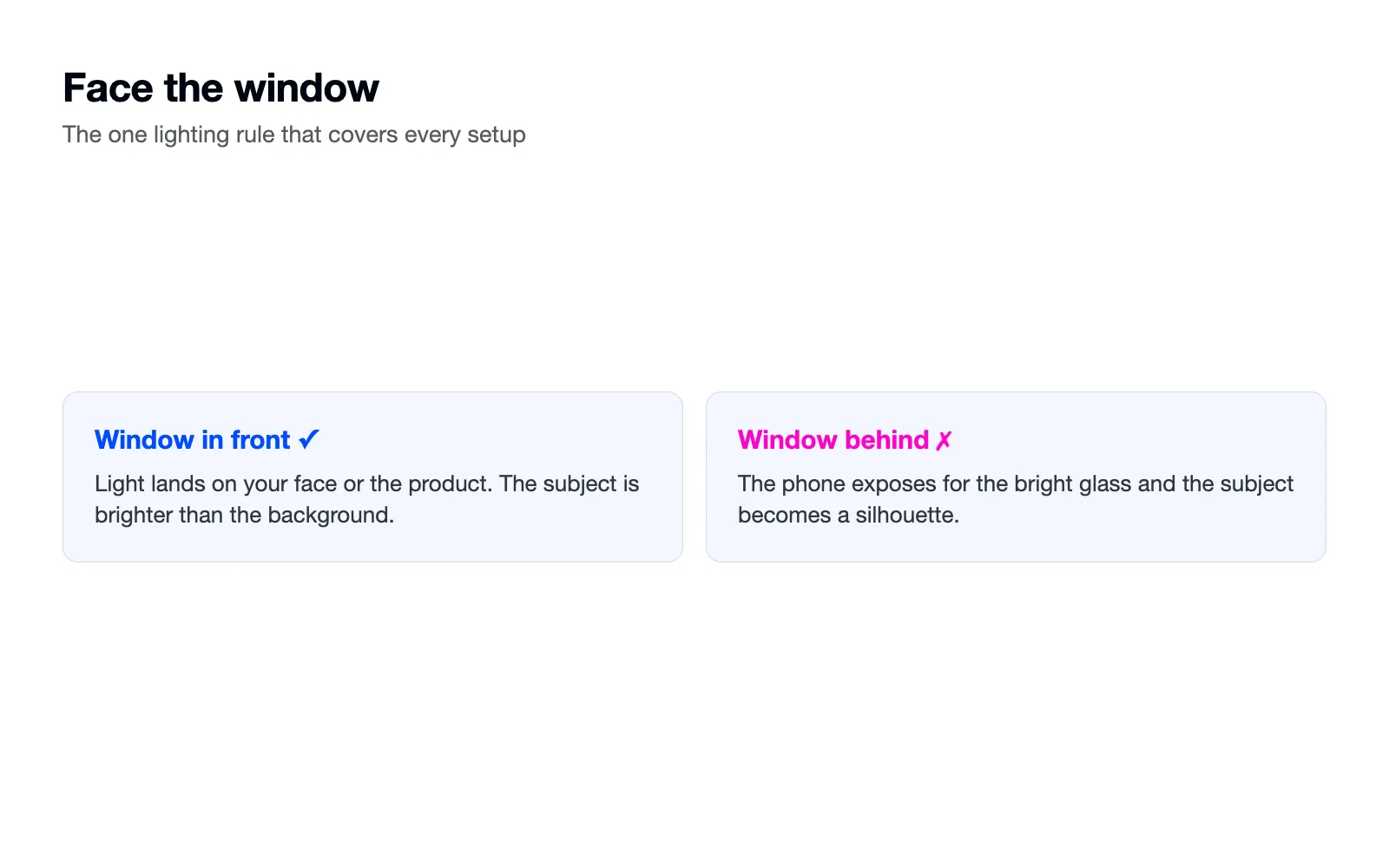
The rule that covers every setup: the subject should be brighter than the background. If your shop is dark or you film after close, one cheap constant light does the job, or move the filming into the daytime batch. Phones get grainy in dim light, and grain reads as amateur before anyone judges the content.
Framing: fill the frame with one subject
Film vertical, get close, and give each shot one subject. The test is the thumbnail: platforms use your first frame as the preview in feeds and search, so it has to read at stamp size. A counter full of clutter reads as nothing. One loaf, one face, one pair of hands reads instantly.
Hold the phone with two hands and tuck your elbows in, or rest it against something solid: a shelf, a stack of books, a mug. A small tripod costs little, but a shelf is free and works. Move the camera only when the movement shows something. Wobble loses viewers faster than any other production fault.
Give the shot some depth where you can. A subject pressed against a wall looks flat, and a step forward with the room behind reads instantly better. On counters, shoot along the surface rather than square at it, so the line of the counter leads the eye to the subject.
And wipe the lens. It is the most skipped step in phone filming. A smeared lens makes every clip look foggy, and pockets smear lenses daily.
Three shots per post
Most posts need three shots: a wide one that shows where you are, a medium one that shows the action, and a close one that shows the detail. Ten to fifteen seconds of each is plenty. The pattern covers nearly everything a small business films, and knowing it before you press record is what makes the filming block fast.
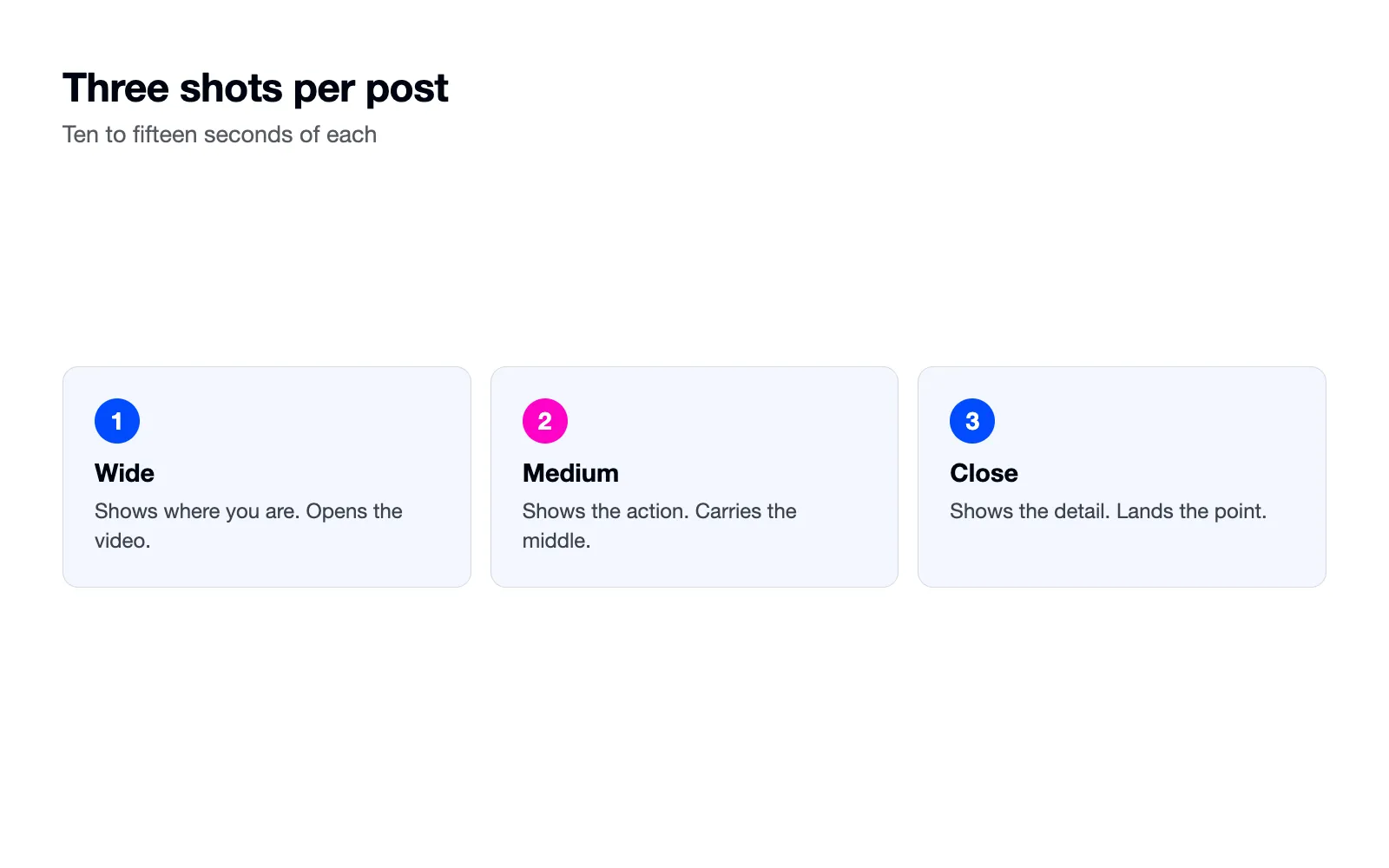
The three shots also assemble themselves. Wide opens the video, medium carries the middle, close lands the point. That order works so often you can build posts without thinking about structure at all.
Film each shot a little longer than feels natural, because trimming is easy and refilming is not. The spare seconds at either end are where clean cuts come from.
Audio: get close and go quiet
Viewers forgive an average picture and do not forgive bad sound. The phone microphone is fine from arm's length in a quiet room. It fails from across the room, next to the fridge hum, or under the espresso machine. So film talking segments close, or film the action first and record the talking afterwards in a quiet corner, laid over the footage as a voiceover.
Keep music under the voice, never over it. The platforms transcribe your speech for search, and a track that drowns the words costs you the ranking sources our TikTok guide covers. The song nobody searched for should not bury the sentence somebody did.
Three settings to change once
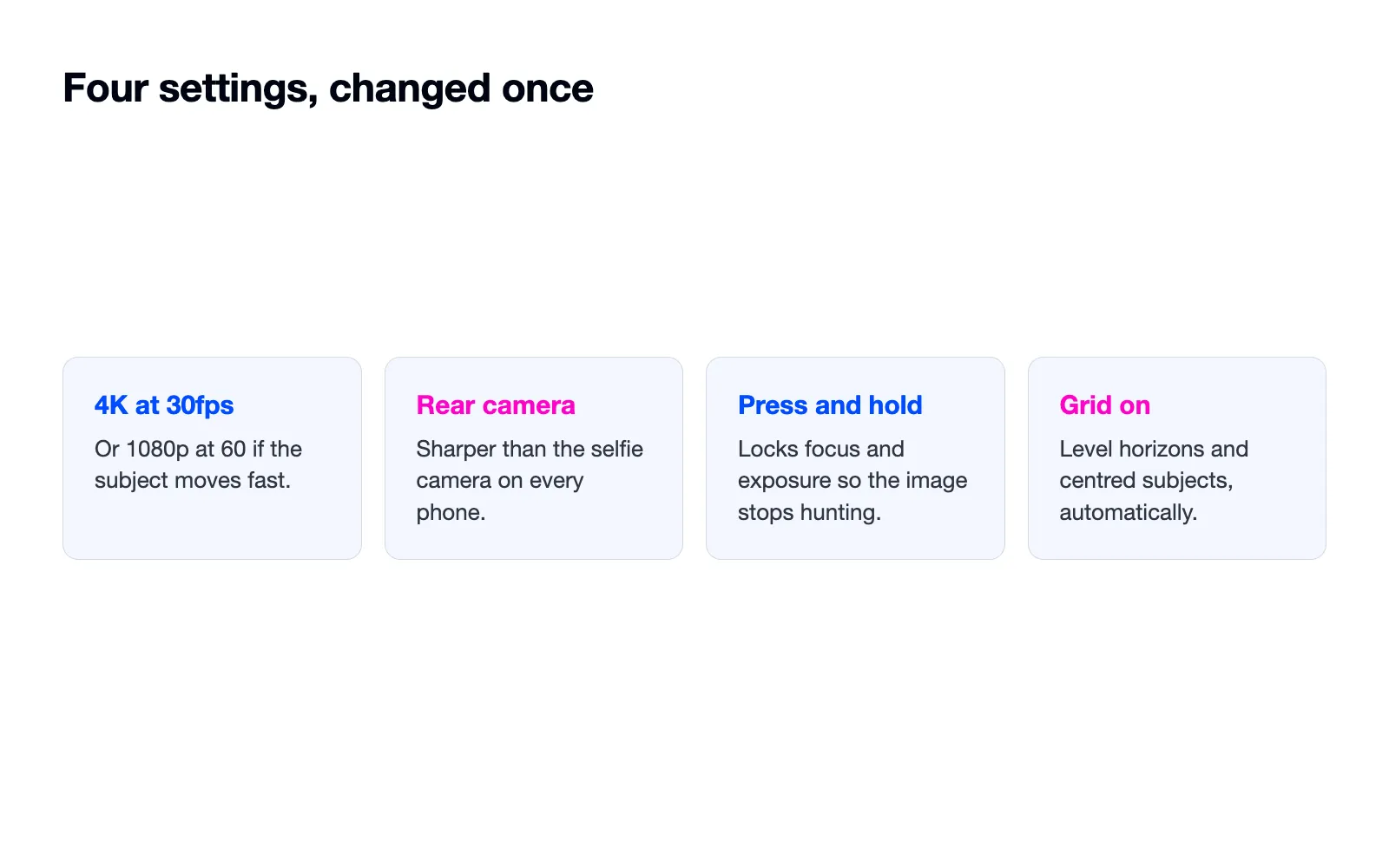
Set the camera to 4K at 30 frames per second, or 1080p at 60 if your subject moves fast. Use the rear camera for products and process shots, because it is sharper than the selfie camera on every phone. And learn press-and-hold to lock focus and exposure, so the image stops hunting and pulsing while you move.
Turn on the camera grid while you are in settings. The lines make level horizons and centred subjects automatic, and a tilted shelf in the background is the kind of small wrongness viewers feel without naming.
One housekeeping line: 4K fills storage, so offload the month's footage after each filming block and the phone stays usable.
Edit on the phone, briefly
The edit is trims, text and captions, in that order, in the platform's own editor or a free phone editor. Cut the dead seconds off the front of every clip first, since our hooks guide explains what those seconds cost. Add the on-screen line for the opening. Turn captions on and correct the auto-transcription where it mangles your product names.
Skip transitions, filters and effects. Every added flourish is a decision that slows the batch, and none of them hold viewers the way a tighter trim does.
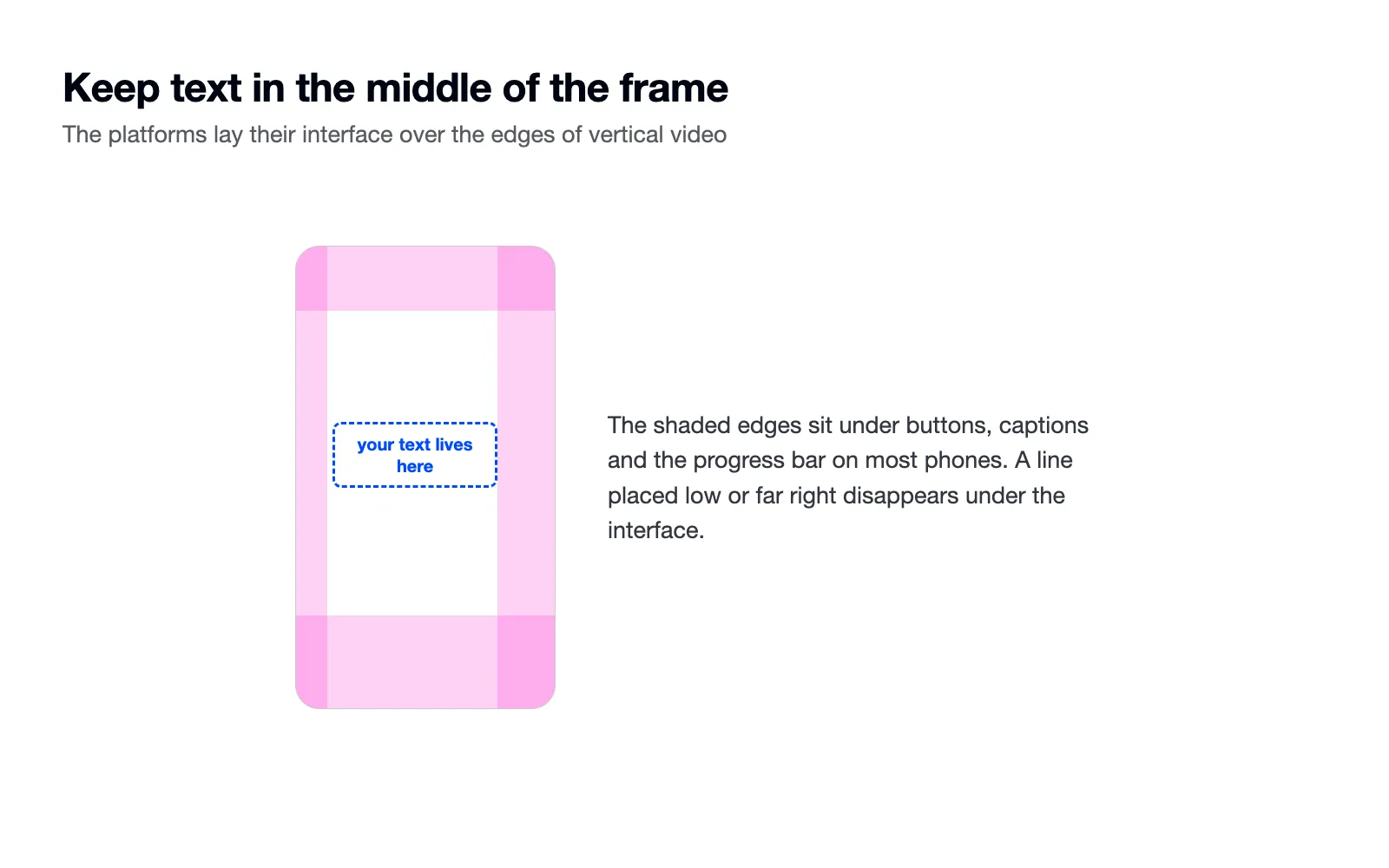
Keep on-screen text in the middle of the frame. The platforms lay buttons and captions over the edges of vertical video, and a line placed low or far right disappears under the interface on half the phones that play it.
Film the month in one afternoon
Filming has a fixed cost: clearing the counter, setting up the light, getting into the rhythm. Pay it once. Take the shot list from your planning hour and film the whole month's footage in one block, the way our calendar guide lays out.
Two habits make the batch look like a month instead of an afternoon. Change your top or apron between talking clips. And build a bank of ten-second clips of routine actions, the pour, the wrapping, the door unlocking, the tray coming out. Those clips sit under voiceovers for months, and they cost nothing to collect while you are already set up.
The one purchase that earns its place
If you buy anything, buy a small clip-on microphone. Sound is the gap between phone footage and produced footage, and a clip mic closes most of it for the price of a round of coffees. Ring lights, gimbals and lenses can all wait, and most of them wait forever once the window light and the steady grip are habits.
When to show your face
Faces build recognition, and for service businesses the owner's face is half the brand. But hands-only filming carries product and process content perfectly well, and our hooks guide covers how openings work without a presenter. The subject of the shot is whatever the viewer came for. Show the thing, and show your face when the face is the thing.
If talking to the camera feels unbearable, start with voiceover over your b-roll bank and let your voice arrive before your face does. Plenty of accounts never go further than that, and it costs them nothing.
The way to settle any doubt about all of this is the retention graph. Film one video with window light, close audio and a steady frame, post it, and read the graph against your last handheld attempt. The graph does not care what the kit cost.
Georgia May
CEO & Founder of Tea & Toast